Getting Started
Setup is guided: we connect your events inbox, build your knowledge base with you, and supervise the first week. Most venues are live in about a week.

Everything you need to set up, configure, and get the most out of EventFlow.
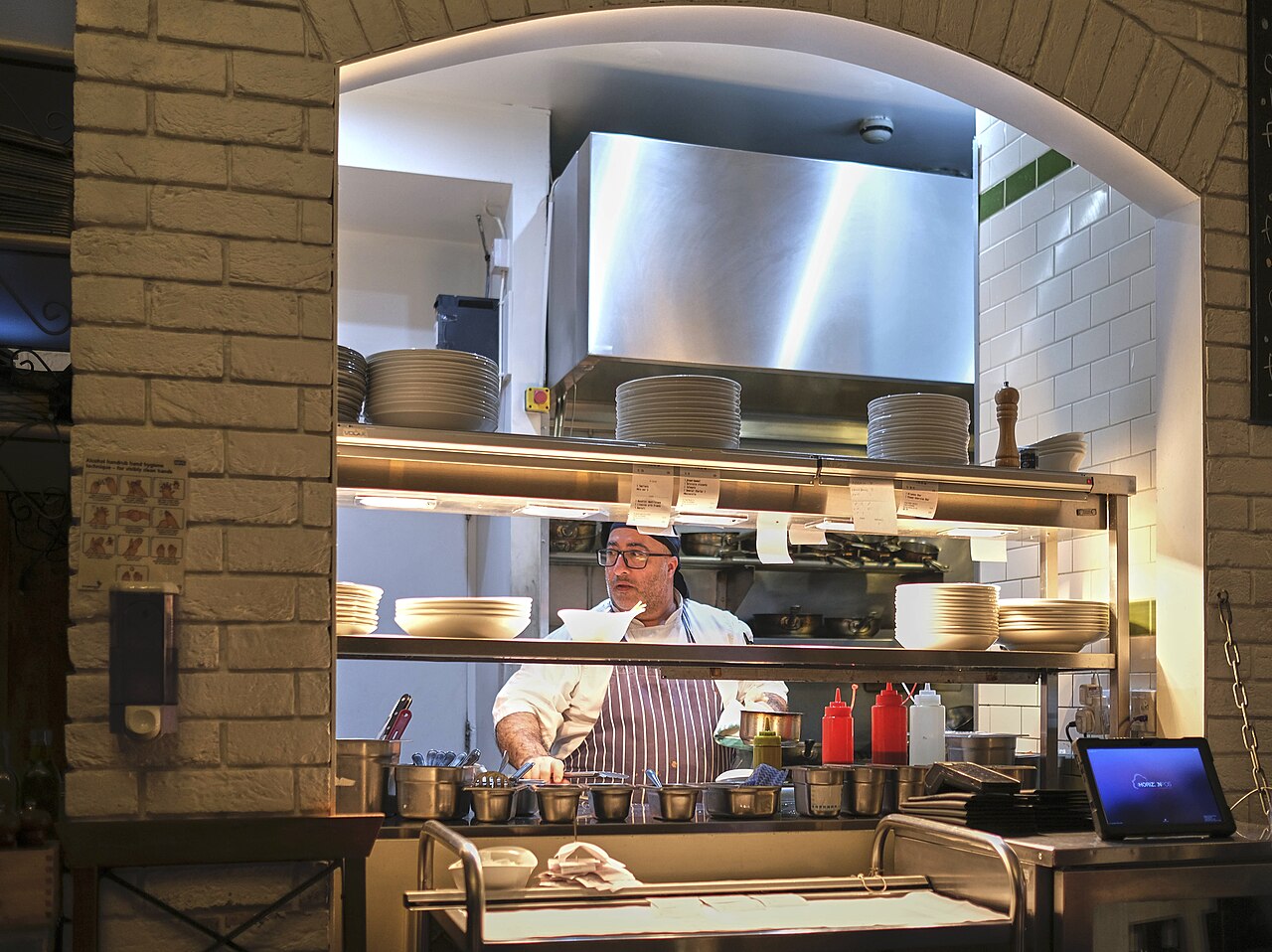
Setup is guided: we connect your events inbox, build your knowledge base with you, and supervise the first week. Most venues are live in about a week.
How your spaces, menus, pricing, and policies become the knowledge base, and how to edit it from your dashboard.
How EventFlow connects to your events inbox (Outlook / Microsoft 365 today, Gmail on request) and replies from your own address.
How the Day 3, 7, and 14 check-ins work, and how they stop when a guest replies, books, or declines.
Understand how EventFlow scores leads (A/B/C/D) and when it hands a guest to your team.
OpenAPI spec, llms.txt agent guide, and machine-readable endpoints. Browse developer resources.
Connect Tripleseat for real-time availability checks, automatic web-lead replies, running notes, and soft holds. Other platforms are available as custom integrations on the Premium plan.
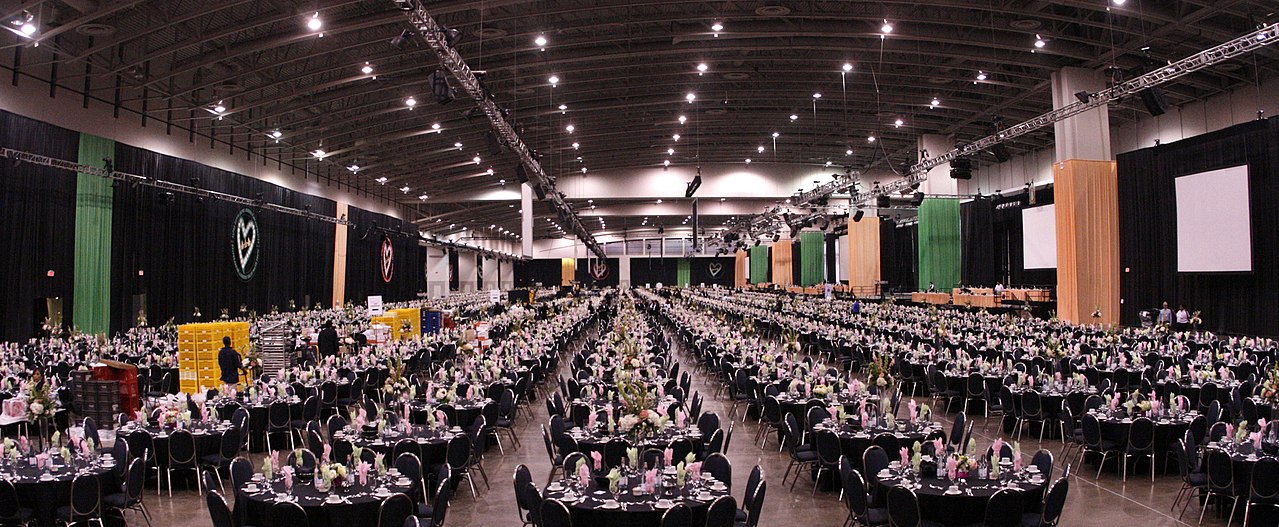
Tell us how inquiries reach you today, and we'll walk you through what EventFlow would have sent back. Setup takes about a week, and we do it with you.
Book a demo